

Free DNS Hosting Service
Our service offers hosting for any number of domains and resource records on DNS servers. We guarantee that your website or web application will run smoothly worldwide, with setup completed within several minutes. Seamlessly integrate with your infrastructure, managing all of your resources in one place.

Why Choose Servercore Free DNS Hosting
Register a domainWe use Anycast technology to enhance the security of DNS systems. All DNS queries are processed by the servers closest to the user, which significantly increases fault tolerance and provides protection against DDoS attacks, including DNS Flood.
Host an unlimited number of domains and DNS records on our global server network. Adding your domains takes only a few minutes.
Redundant DNS servers help minimize ping. Available locations include over 320 cities.
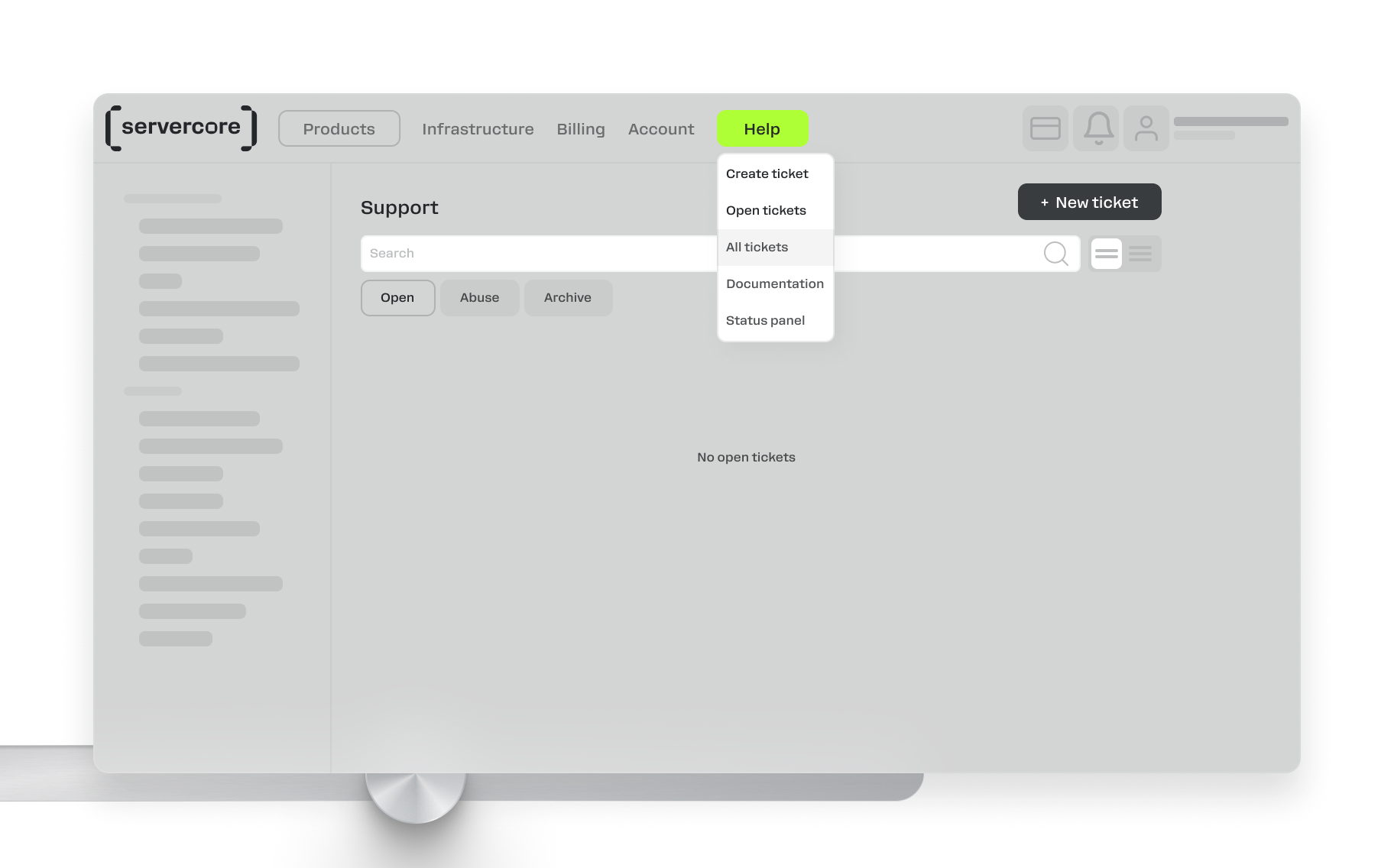
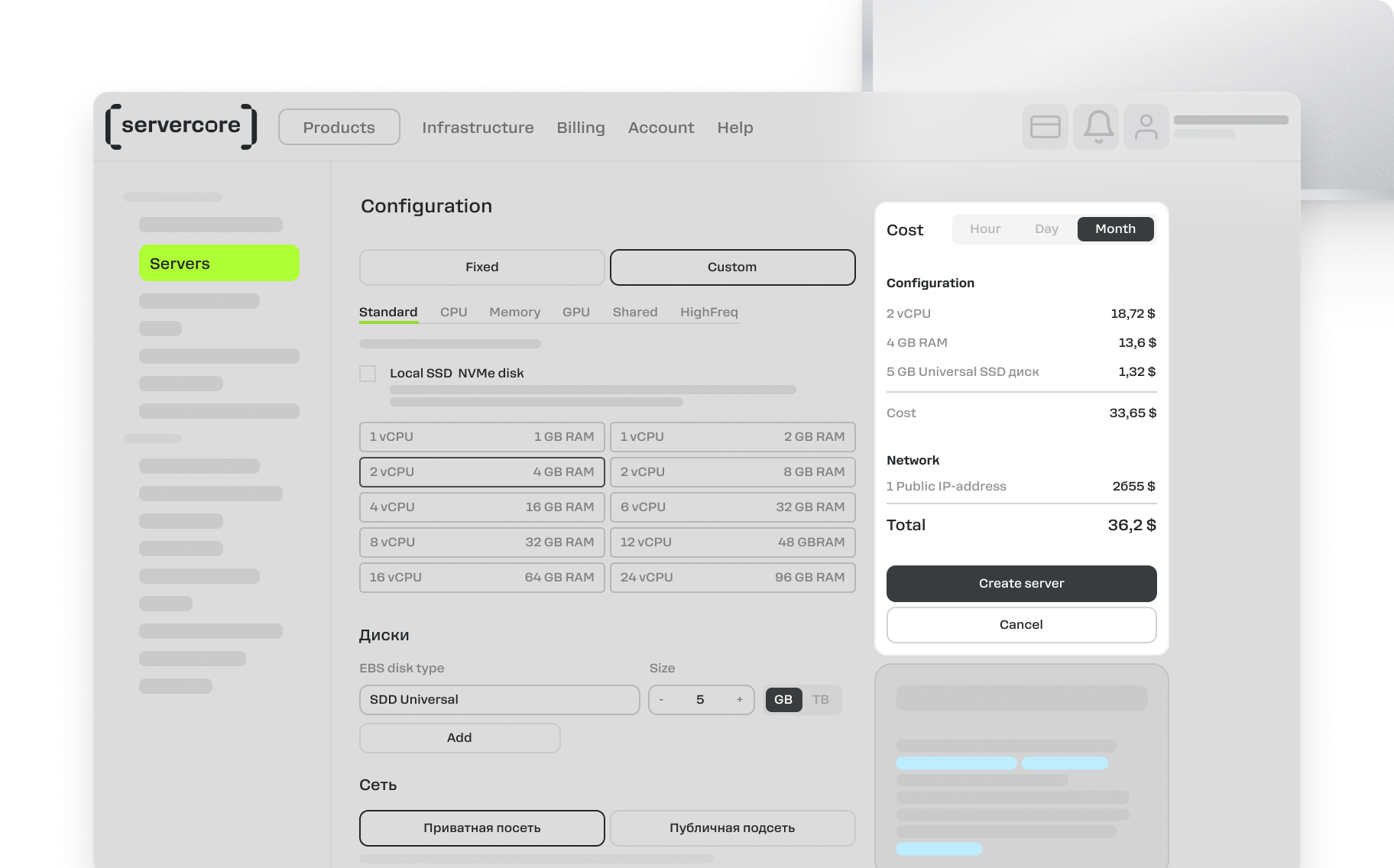
Manage all your domains and records in one convenient place through our my.servercore.com control panel or API.
Requirements for DNS Hosting at Servercore
The Purpose of DNS Hosting



Our Сustomer Stories




















Servercore is Stable, Simple, and Offers Local Infrastructure
Request a consultationIaaS и PaaS
Availability zones in Kenya, Uzbekistan, and Kazakhstan
IAM service for managing authorization and access levels
SLA up to 100%
Compliance with GDPR and DPA 2019
PCI DSS
Free migration
Billing in Kenyan shillings
Payment by MPesa or bank transfer
24/7
Choose the Region Where You Want to Deploy Your Service


-
 Dedicated Servers
-
 Cloud Servers
-
 Cloud Databases
-
 Managed Kubernetes

-
Dedicated Servers
-
Cloud Servers
-
Cloud Databases
-
Managed Kubernetes

-
Dedicated Servers
-
Cloud Servers
-
Cloud Databases
-
Managed Kubernetes
-
Dedicated Servers
-
Cloud Servers
-
S3
-
Managed Kubernetes
-
Dedicated Servers
-
Cloud Servers
-
Cloud Databases
-
Managed Kubernetes
Tier III data center in Nairobi
Compliance with global and local security standards
Five levels of client data protection
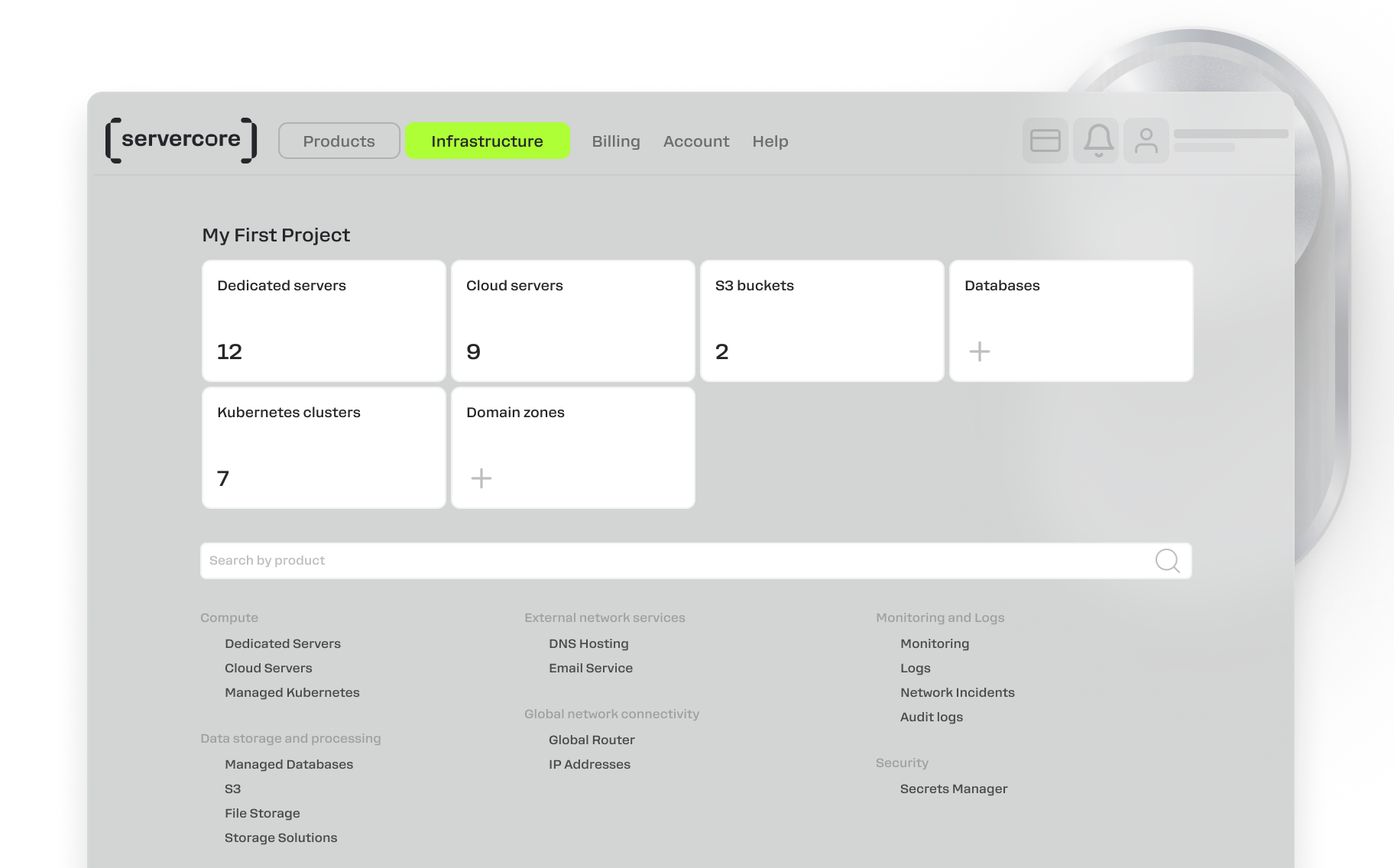
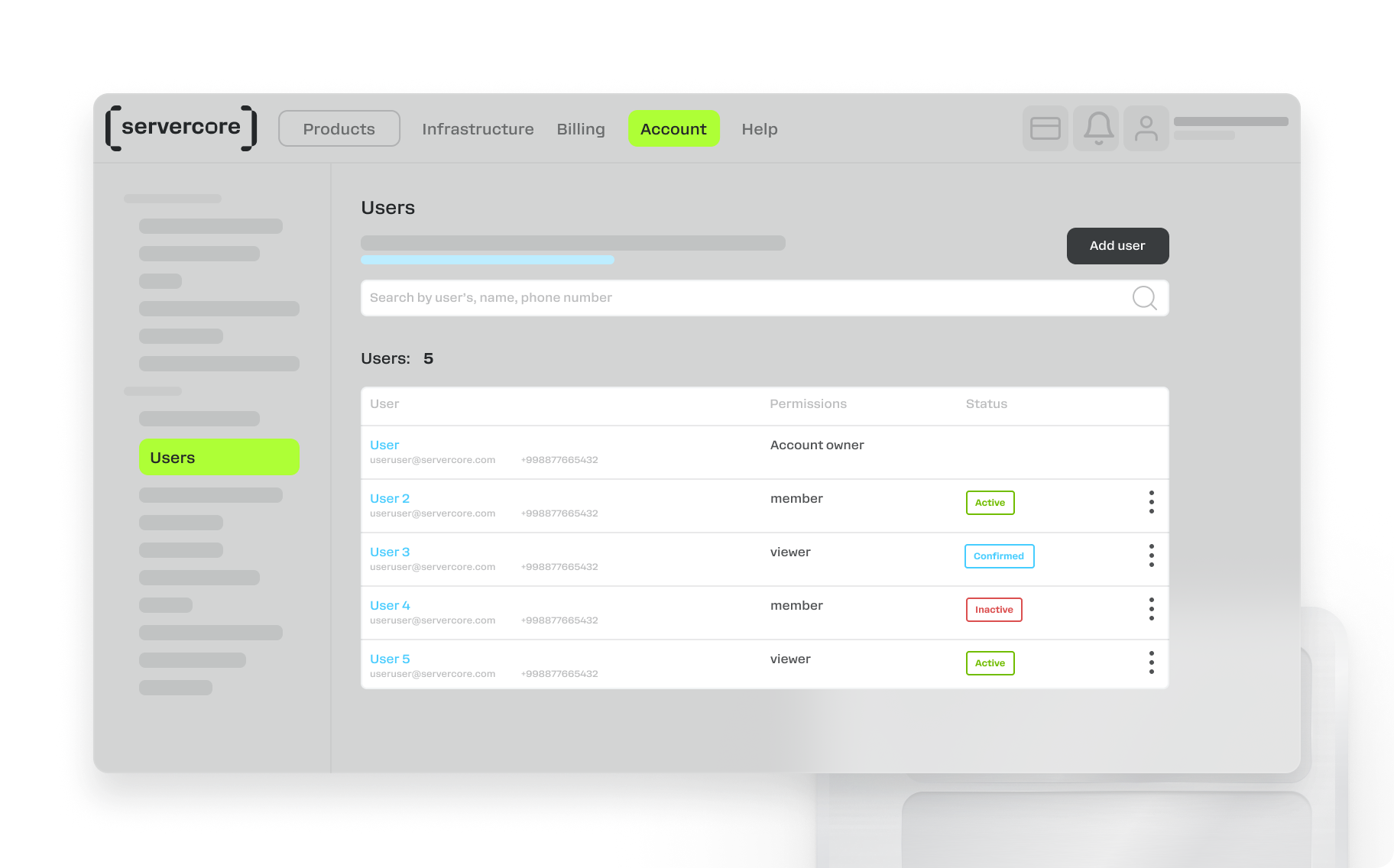
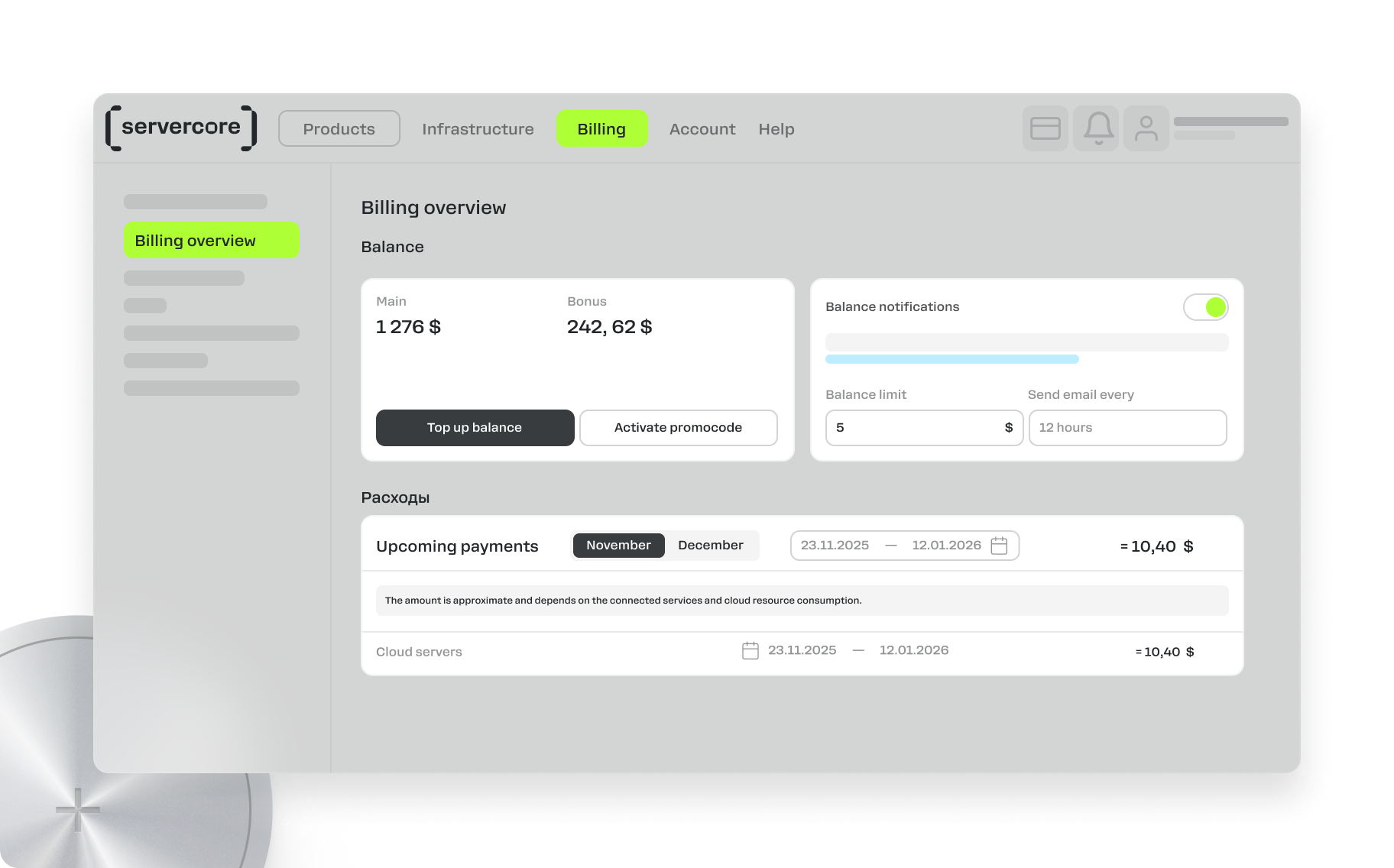
Work from User-Friendly Control Panel
Compatible Products and Services for More Efficient Work
Cloud Servers
Cloud-Based GPU Servers
Dedicated Servers
Shared vCPU Cloud Servers
Managed Kubernetes
S3 Cloud Object Storage
Cloud-Based File Storage
Cloud Backup Solutions
Managed Cloud Databases

MySQL Cloud Databases

PostgreSQL Cloud Databases

Redis Cloud Databases

Kafka Cloud Databases

TimescaleDB Cloud Databases
Secrets Manager
Global Router (L3VPN)
Anti-DDoS Solutions
Private DNS Server
Direct Connect
Servercore Mail Service
FAQ
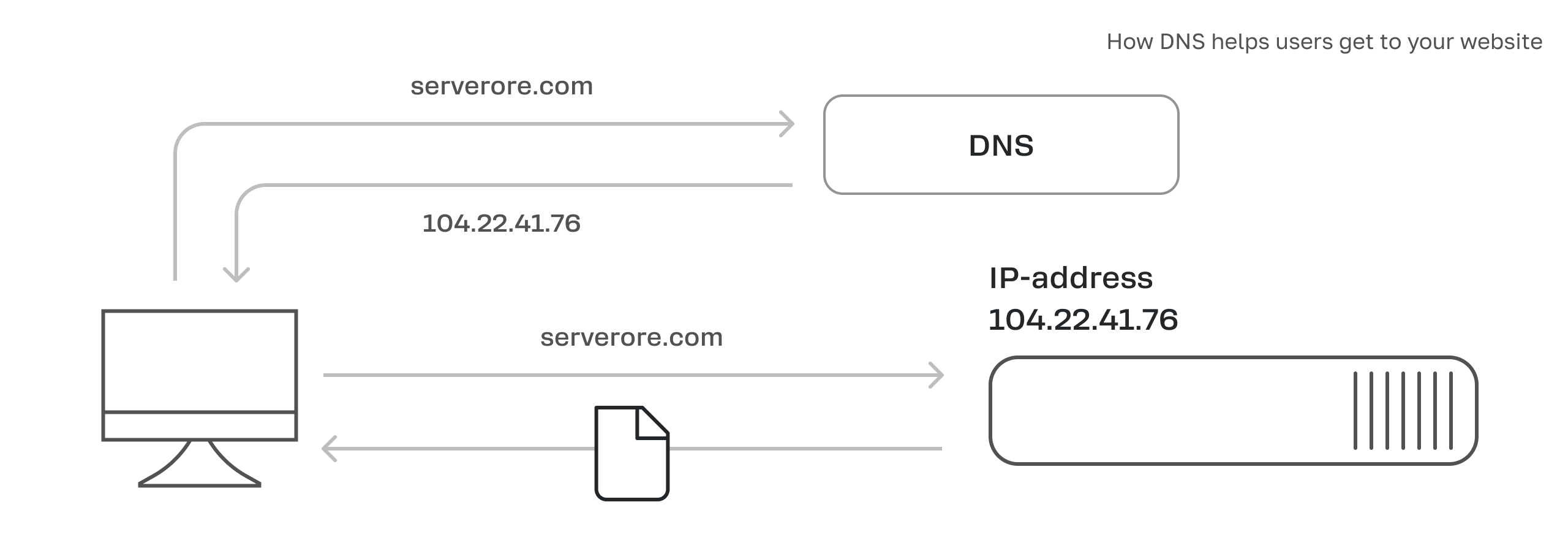
A DNS server is a specialized server that stores a database mapping domain names to their corresponding IP addresses. When a user enters a domain name into their browser, the request is directed to a DNS server, which then retrieves and returns the associated IP address.
At Servercore we have DNS servers with high uptime located in over 320 cities.
Domain and DNS records hosting service is provided free of charge to all clients using any other Servercore products: cloud servers, dedicated servers, cloud databases, Managed Kubernetes. To start using the service, go to the DNS section in the control panel.
Without a domain name hosted on DNS servers, devices cannot convert it to an IP address, preventing connections to the website or mail server.
DNS servers are typically duplicated to ensure reliability and fault-tolerant performance. Multiple copies mean if one server fails, the others continue operating, ensuring uninterrupted DNS service.
A DNS zone is a virtual space that stores data matching domain names to IP addresses for all resources on a website. This data is stored as resource records, which indicate where to direct requests received for a particular domain name.
DNS zones are divided into internal and public categories, but they form a hierarchy regardless and can have multiple subzones.
If you can’t access the registrar’s control panel:
1. Visit the Whois website.
2. Enter your domain name.
3. In the domain data, find the nsserver section. This will show the registrar’s website through which the domain is managed.
If you have access to the registrar’s panel, you can specify NS servers yourself and transfer domain management to Servercore. To do this, change the NS servers in the registrar panel to those belonging to Servercore. You’ll then be able to manage your records in our control panel.
To add a domain to your site, follow these steps:
1. Log in to your account in the Servercore control panel.
2. Find the DNS section.
3. Click Add zone.
4. Enter your online website name.
The domain will be automatically delegated to Servercore’s free DNS servers. You can also delete or edit domains and their records in our control panel.
1. IPv4 Address Record (A): An address record in a DNS server database that links a domain name to a specific IP address using the IPv4 protocol.
2. IPv6 Address Record (AAAA): A record in a DNS server database that associates a domain name with an IP address using Internet Protocol version 6 (IPv6).
3. Mail Exchange Record (MX): A record in the DNS server database that specifies which mail server should handle email for a given domain.
4. Point to Reverse Record (PTR): A reverse version of an IPv4 Address Record that links an IP address to a domain.
5. Canonical Name Record (CNAME): A record used for domain redirection, such as redirecting a domain with «www» to a domain without «www».
6. Name Server Record (NS): A record containing the domain’s DNS servers.
7. TXT: A text record often used for specific tasks, such as verifying domain ownership when linking it to an email service.
8. Server Selection Record (SRV): A service record that specifies the server location required for certain services to function.