

Cloud Backup Solutions
Set up automatic backup of network drives of VMs in the cloud. Set up a convenient schedule and configure storage parameters in a few clicks.
Calculate the Cost of Backups
*Billed per number of simultaneously stored copies.
Why Choose Our Cloud Backup Service
Get startedCloud Backup Capabilities in Servercore
Tasks that Backup Helps to Solve
Backup helps to recover data from malicious destruction, ransomware, cyber attacks and hacks.
A software error, file system failure or erroneous DBMS request with database deletion will lead to irreparable consequences and only a backup copy will help to avoid business downtime.
Backup, as one of many data protection measures, may be a requirement from a regulator or enshrined as a mandatory requirement in the enterprise’s internal rules.
What Threats Do Cloud Backups Protect Against?

Servercore is Stable, Simple, and Offers Local Infrastructure
Request a consultationIaaS и PaaS
Availability zones in Kenya, Uzbekistan, and Kazakhstan
IAM service for managing authorization and access levels
SLA up to 100%
Compliance with GDPR and DPA 2019
PCI DSS
Free migration
Billing in Kenyan shillings
Payment by MPesa or bank transfer
24/7



Our Сustomer Stories


















Choose the Region Where You Want to Deploy Your Service


-
 Dedicated Servers
-
 Cloud Servers
-
 Cloud Databases
-
 Managed Kubernetes

-
Dedicated Servers
-
Cloud Servers
-
Cloud Databases
-
Managed Kubernetes

-
Dedicated Servers
-
Cloud Servers
-
Cloud Databases
-
Managed Kubernetes
-
Dedicated Servers
-
Cloud Servers
-
S3
-
Managed Kubernetes
-
Dedicated Servers
-
Cloud Servers
-
Cloud Databases
-
Managed Kubernetes
Tier III data center in Nairobi
Compliance with global and local security standards
Five levels of client data protection
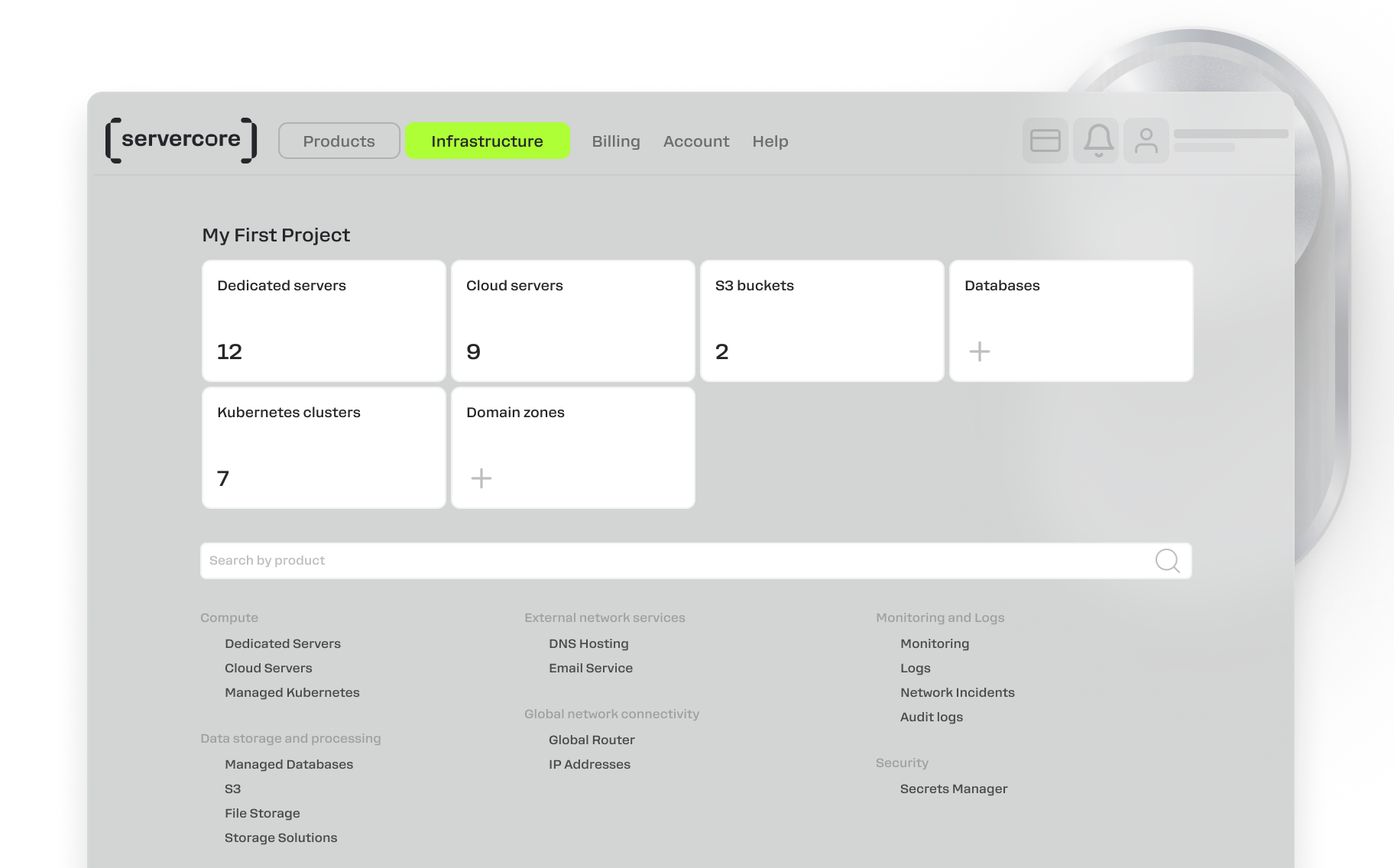
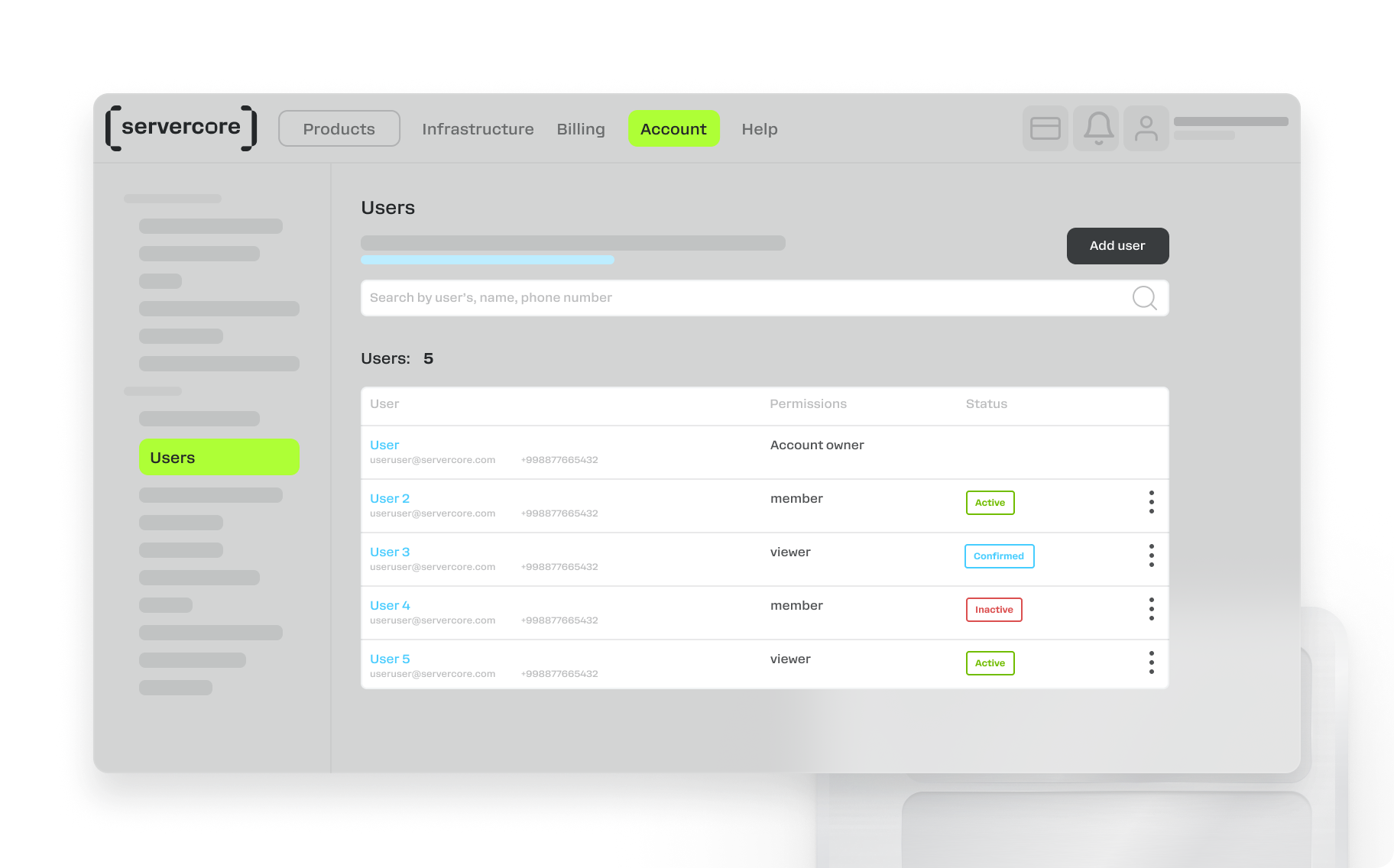
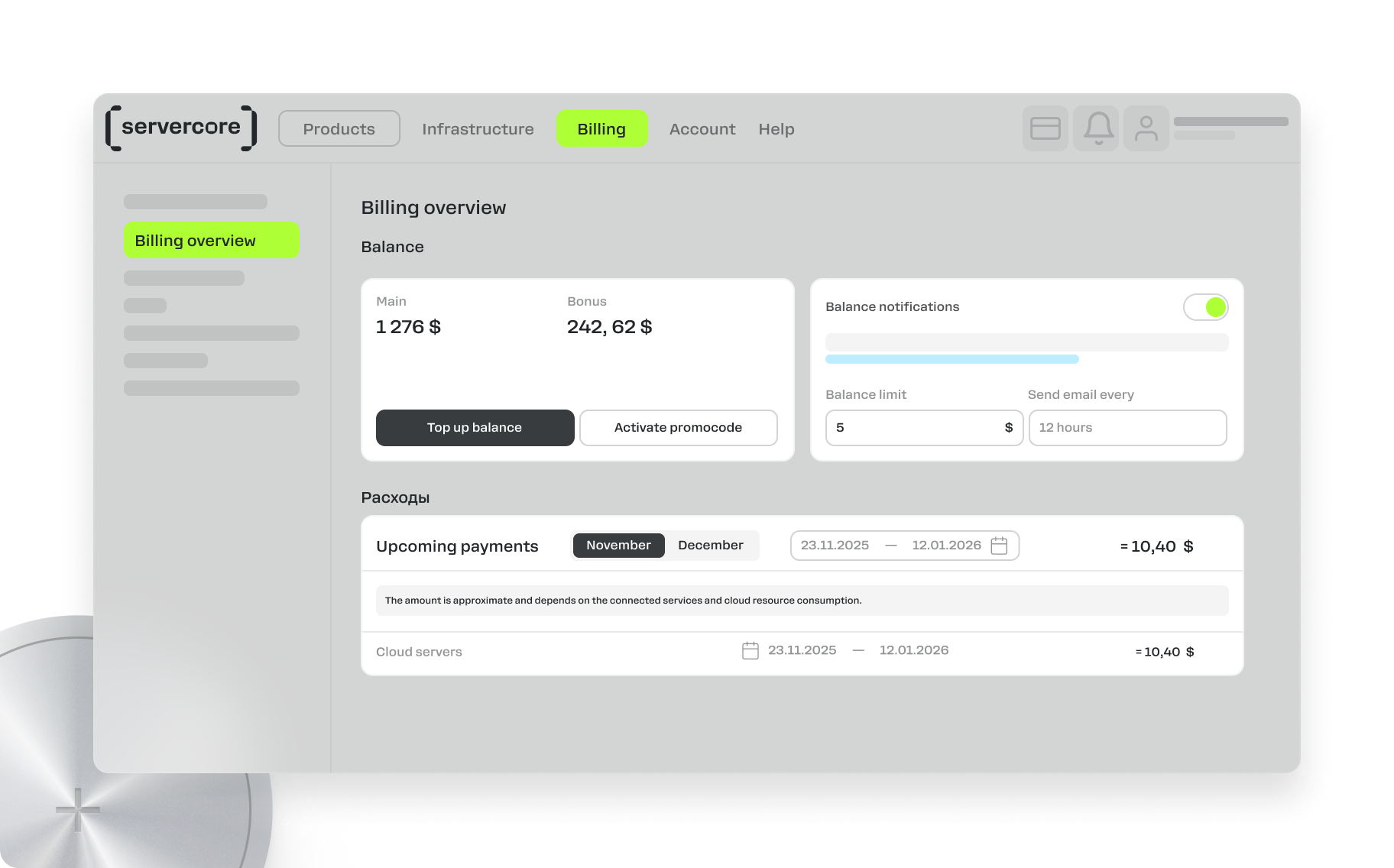
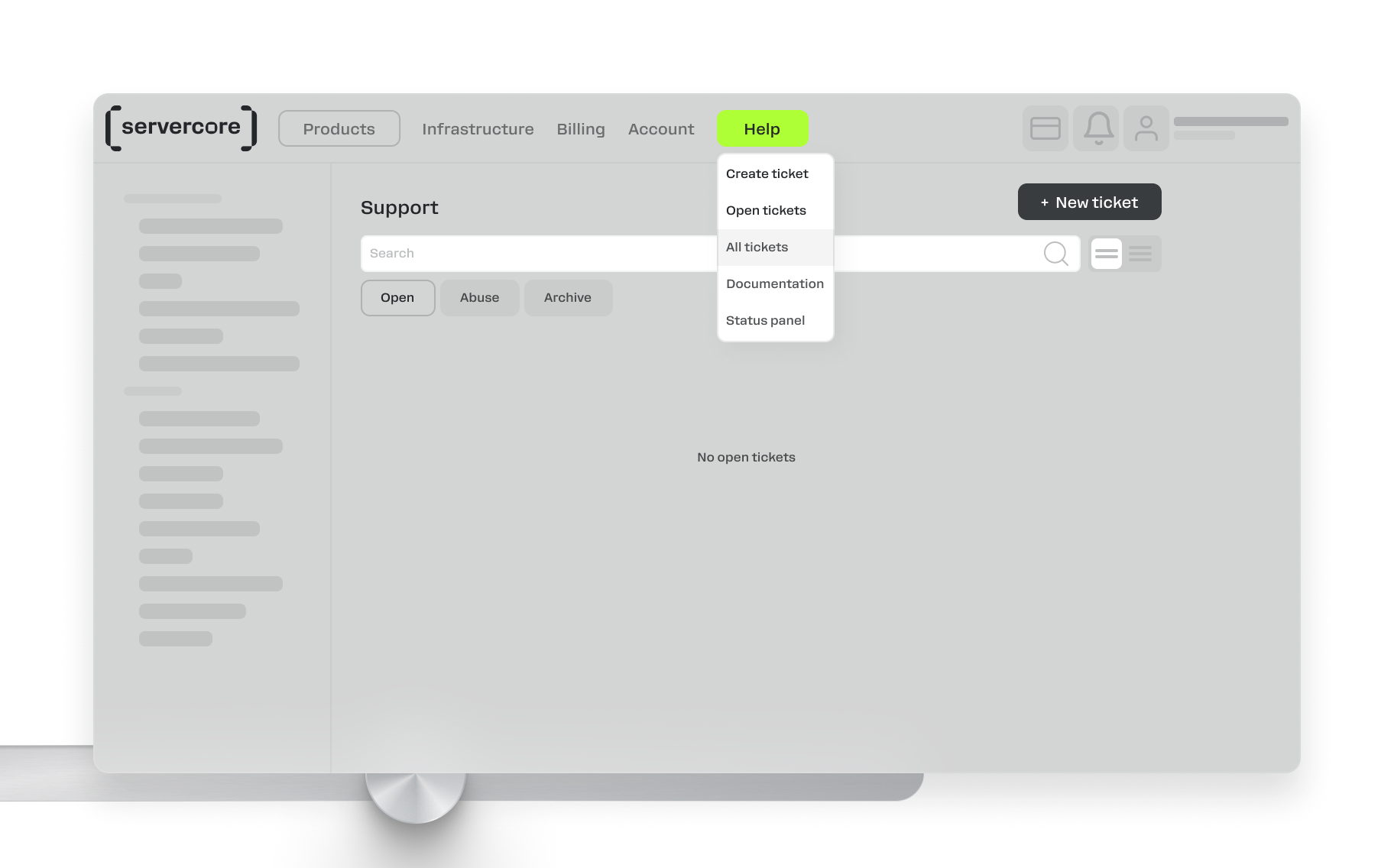
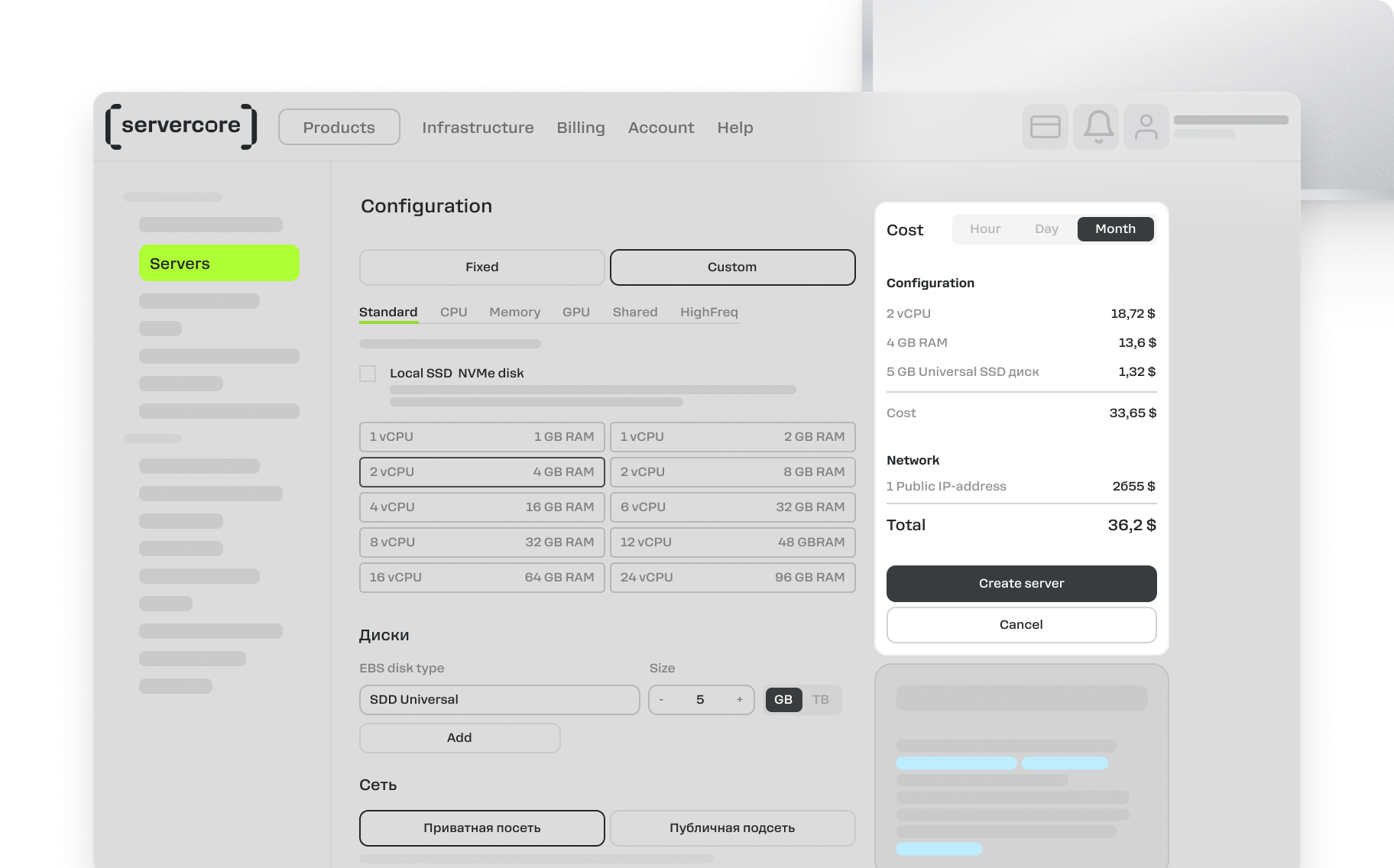
Work from User-Friendly Control Panel
Compatible Products and Services for More Efficient Work
Cloud Servers
Cloud-Based GPU Servers
Dedicated Servers
Shared vCPU Cloud Servers
Managed Kubernetes
S3 Cloud Object Storage
Cloud-Based File Storage
Managed Cloud Databases

MySQL Cloud Databases

PostgreSQL Cloud Databases

Redis Cloud Databases

Kafka Cloud Databases

TimescaleDB Cloud Databases
Secrets Manager
Global Router (L3VPN)
Anti-DDoS Solutions
Private DNS Server
Free DNS Hosting Service
Direct Connect
Servercore Mail Service
FAQ
Backup as a Service (BaaS, cloud backup) is a solution for cloud backup and data storage. The service provides users with a ready-made data backup and disaster recovery solution for IT projects hosted in the Servercore cloud infrastructure.
BaaS simplifies the process of creating backups of virtual servers by ensuring their safe storage in the cloud. This helps protect your data from loss in the event of hardware failures, cyber attacks or other unforeseen circumstances.
No, disk backups are not enabled by default. This is so to avoid unplanned costs for storing backups that you did not set up. To activate cloud backup for a disk, you need to create a backup plan and include the desired disk in it, or create a backup manually.
Our backup technology ensures the integrity of backup data at the crash-consistency level. This means that the backup will centrally include all critical data present on the disk at the time the backup was created, and this data will be consistent. Data that was in RAM when the backup was created will not be written.
Backups are performed according to a set backup plan, which is a set of rules applied to one or more network drives. You set up the plan once, after which the service automatically performs all operations. Backup of network drives is performed without interrupting VM operation.
In the plan, you can set the frequency of creating backup copies and the conditions for storing them. If necessary, the plan can be updated or deleted at any time.
Once you set up a plan, the service starts creating full backups. When the number of backups on the disk exceeds the set limit (for example, no more than 10 copies), the new backup replaces the oldest one.
Yes, the service performs backups exclusively for network drives.
Currently, scheduled backups are only available for network drives. To create a copy of a local disk, you can use disk images.
Creating a backup from a disk does not affect the performance of the virtual machine (VM) to which the disk is connected.
First of all, it is necessary to evaluate what measures the cloud provider offers its clients to ensure a secure cloud backup process in order to minimize the risks of hacking, disasters, virus damage and backup leakage. For more information on the security of Servercore solutions, click here.
In addition, you should make sure that your internet connection is reliable to avoid problems when recovering data. It is also worth considering that as the volume of stored data increases, the cost of cloud storage may increase.
If for some reason the backup copy is not created, the control panel will display the corresponding status indicating the error.
Backups are stored separately from disks within the same pool. The ability to select a storage location is not currently available, but is planned for the future.
Please submit a ticket in the control panel or contact our support team directly by sending an email to hello@servercore.com. We will contact you within one business day.